

📡 Starsat SR-T30 Pro Firmware Update
Latest Software Release V218 - February 10, 2026
📅 Report Date: March 7, 2026📅 Release Date
February 10, 2026
📡 Receiver Model
Starsat SR-T30 Pro
⚙️ Software Version
V218
📊 File Size
5.13 MB
📥 Upgrade Method
USB Upgrade
✅ Status
Stable Release
📸 Receiver Images & Interface
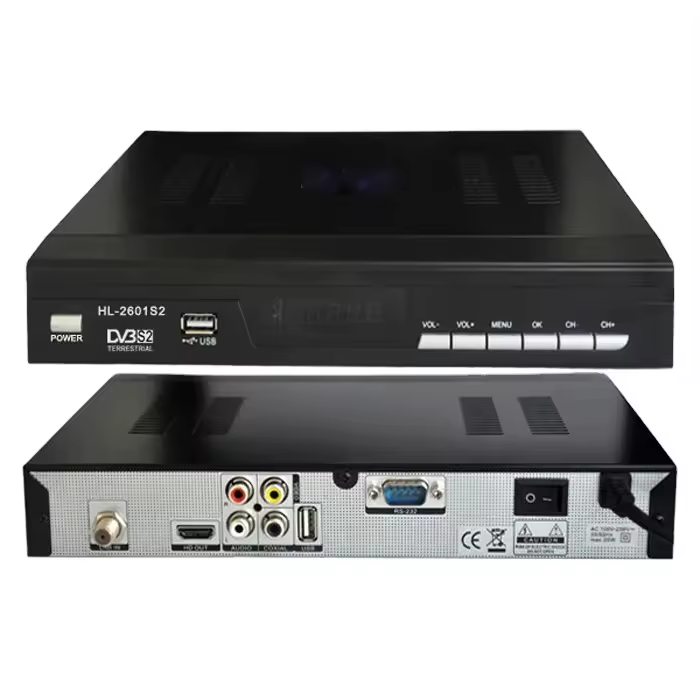
Satellite Receiver USB Update Interface - Menu Navigation
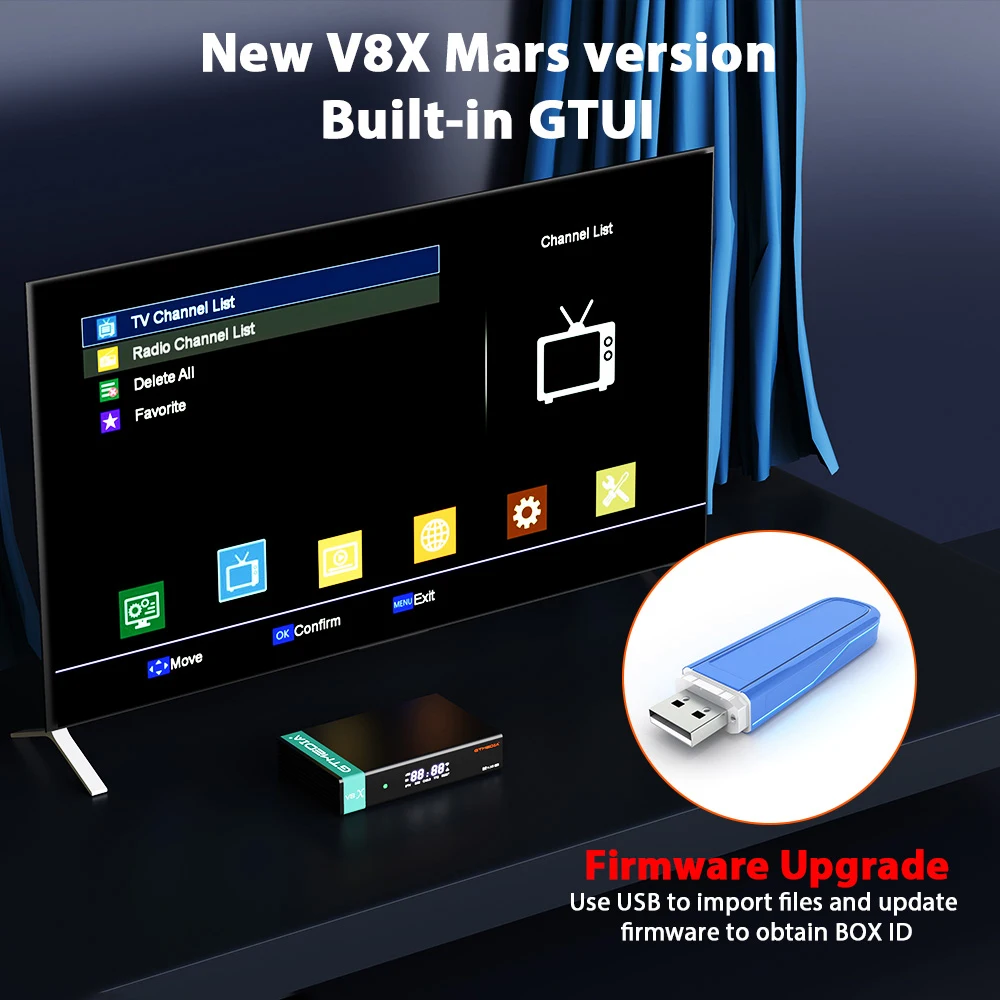
Firmware Upgrade Process - USB Import & Update
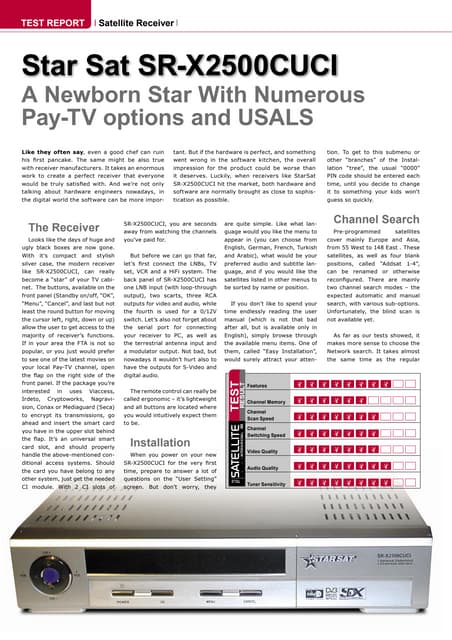
Starsat Receiver Series - Technical Documentation
🆕 New Features & Improvements
- Enhanced system stability and performance optimization for smoother operation
- Updated channel database and satellite list with latest transponder information
- Improved USB device compatibility for external storage and WiFi adapters
- Refined user interface responsiveness and faster menu navigation
- Added support for new video codecs and audio formats
- Optimized blind scan algorithm for faster satellite signal acquisition
🔧 Bug Fixes
- Resolved EPG (Electronic Program Guide) loading issues and data corruption
- Fixed occasional signal loss on specific transponders during peak hours
- Corrected audio/video sync problems on select HD channels
- Addressed USB recording playback errors and freezing issues
- Fixed network connectivity drops in WiFi mode
- Resolved subtitle rendering issues on certain broadcasts
⬇️ Download Software
File Name: SR-T30PRO_V218_10-02-26.zip
Version: V218
Size: 5.13 MB
Release Date: February 10, 2026
* Download available via Starsat official support portal or authorized dealer network
📝 Installation Guide
- Download the software file from the official source or authorized dealer website. Verify the file integrity using provided checksums.
- Extract the ZIP file and copy the .bin firmware file to the root directory of a USB flash drive (FAT32 formatted, USB 2.0 recommended).
- Insert the USB flash drive into the receiver's front or rear USB port. Ensure proper connection.
- Using your remote control, navigate to: Menu > Tools > Upgrade > USB Upgrade.
- Select the firmware file from the list and press OK to start the update process. Do not interrupt!
- Wait for the progress bar to complete (approximately 3-5 minutes). The receiver will automatically reboot.
⚠️ Important Notes
- DO NOT power off the receiver or remove the USB drive during the upgrade process - this may brick your device!
- Backup required: Save your channel list before updating via Menu > Installation > Backup
- Use only USB 2.0 drives for best compatibility; avoid USB 3.0-only drives
- Ensure stable power supply during update (use UPS if available in your area)
- If experiencing issues after update, perform a factory reset: Menu > Installation > Factory Default
- Do not downgrade firmware once updated - this may cause system instability
📚 Want More Satellite Updates?
Visit our blog for daily firmware updates, Biss keys, PowerVu keys, and satellite TV news!
🚀 Visit 1BissKey BlogDaily updates • FTA Keys • Receiver Software • Satellite News


No comments:
Post a Comment
Please do not share any Spam Link and give feedback about my Blog.